Modded Minecraft, without the launcher mess.
Ferrite keeps instances, loaders, mods, modpacks, Java and the awkward repair work in one focused Windows desktop app.
Active development · public builds are not available yet
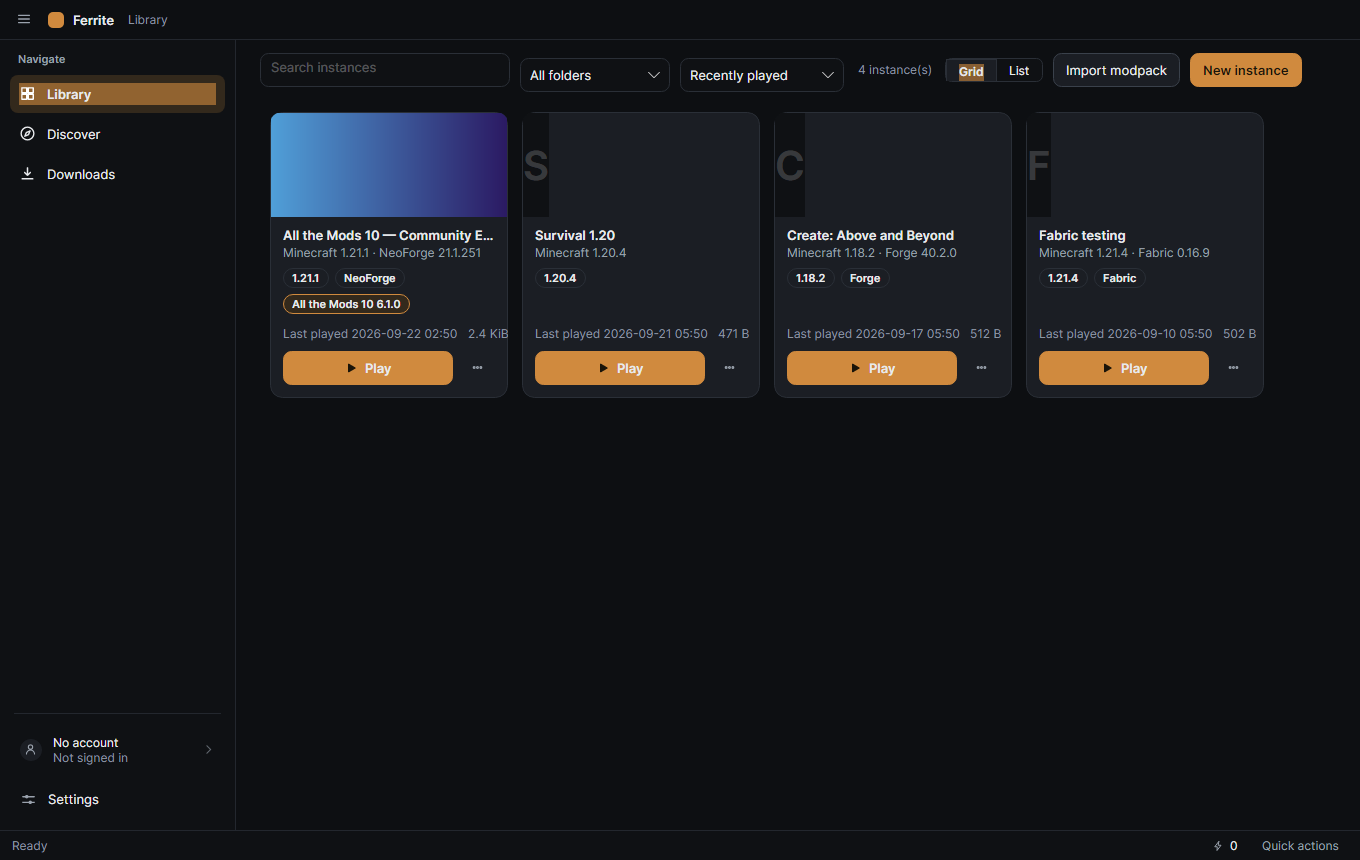
Choose an instance. Then go as deep as you need.
Ferrite makes the everyday path short without hiding the controls that modded Minecraft eventually demands.
Separate worlds
Keep versions, loaders, mods, Java and settings isolated per instance.
Find content
Search provider catalogues, inspect compatibility and install into the right instance.
Play sooner
Ferrite discovers or provisions a compatible Java runtime and handles the setup.
Know what broke
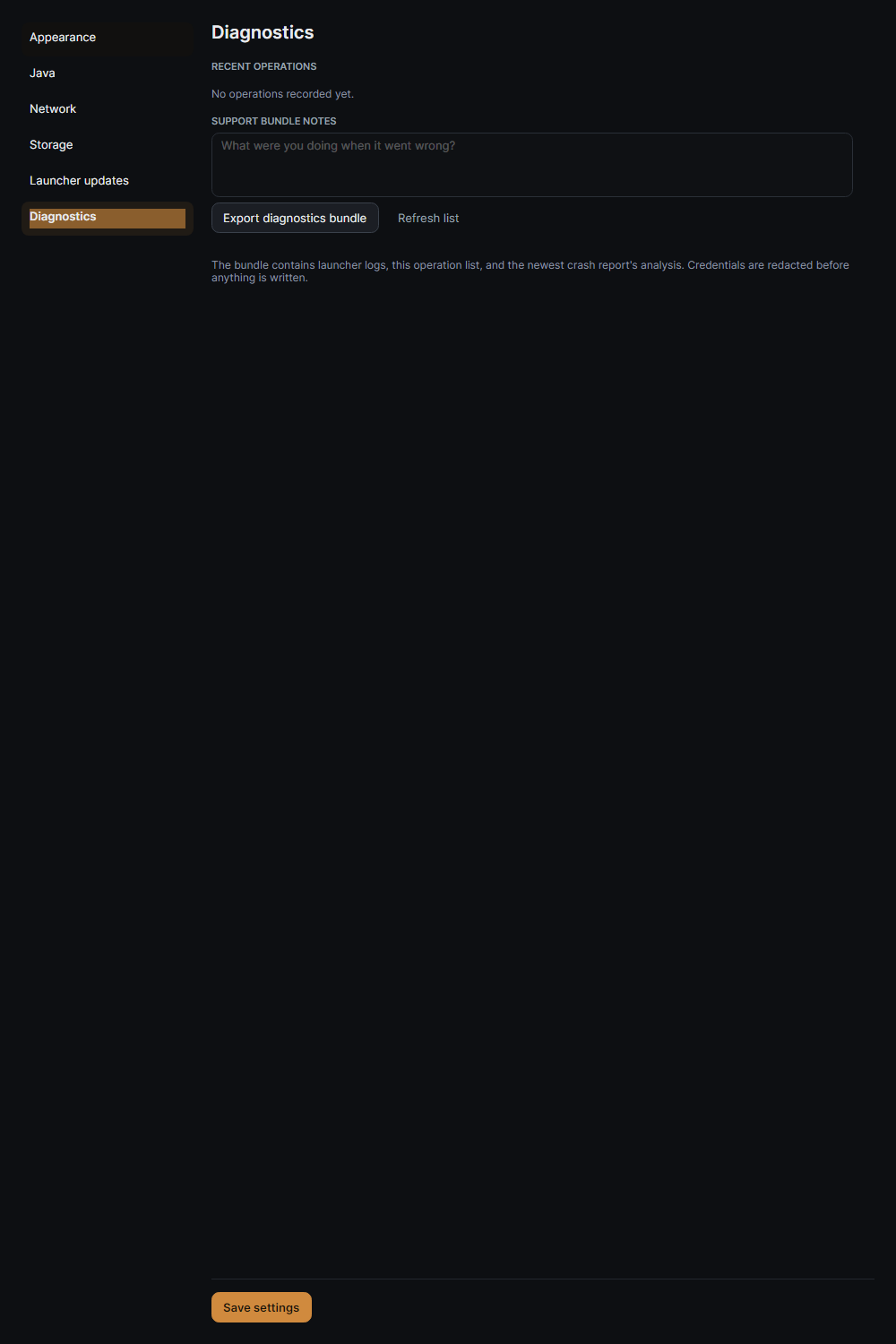
Verify files, inspect logs, back up user data and export a redacted support bundle.
Your pack is not a folder you have to babysit.
Instances are the boundary Ferrite works around: each one can own its Minecraft version, loader, mods, configuration, worlds, Java choice and launch settings. Clone, export, import or move carefully when you need to.
Read about instances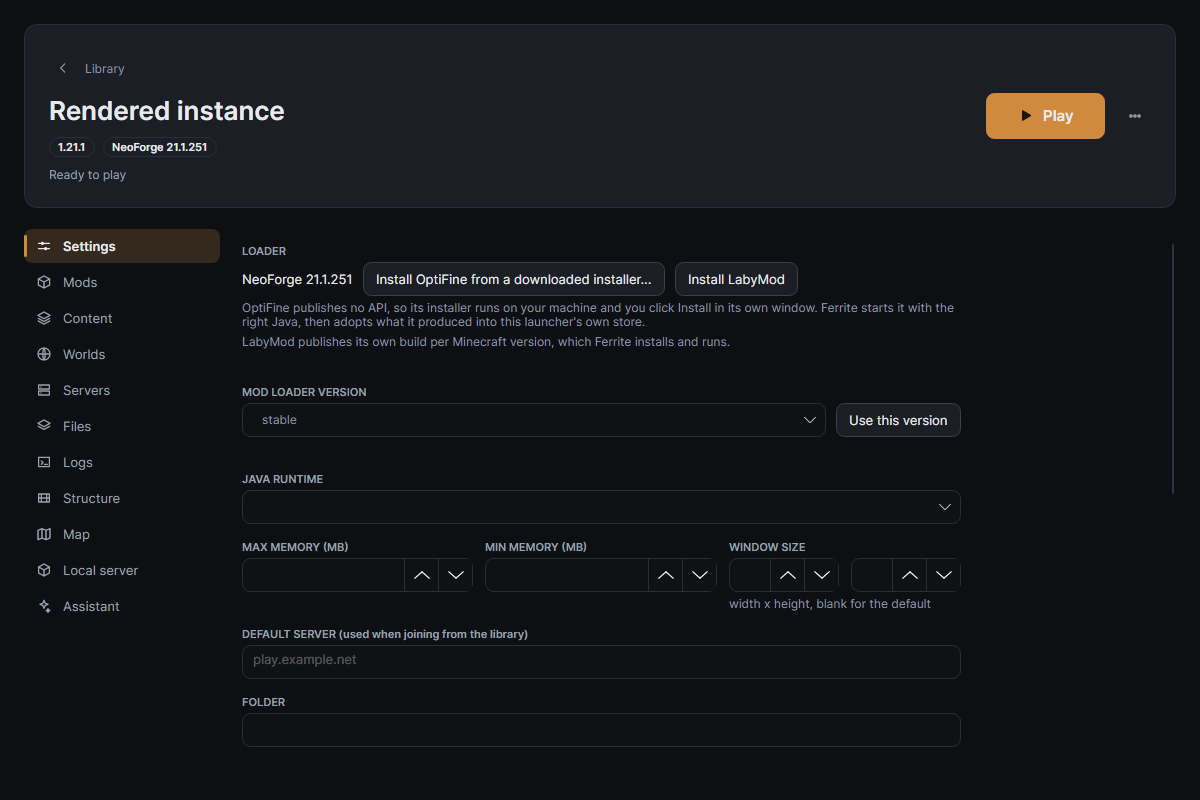
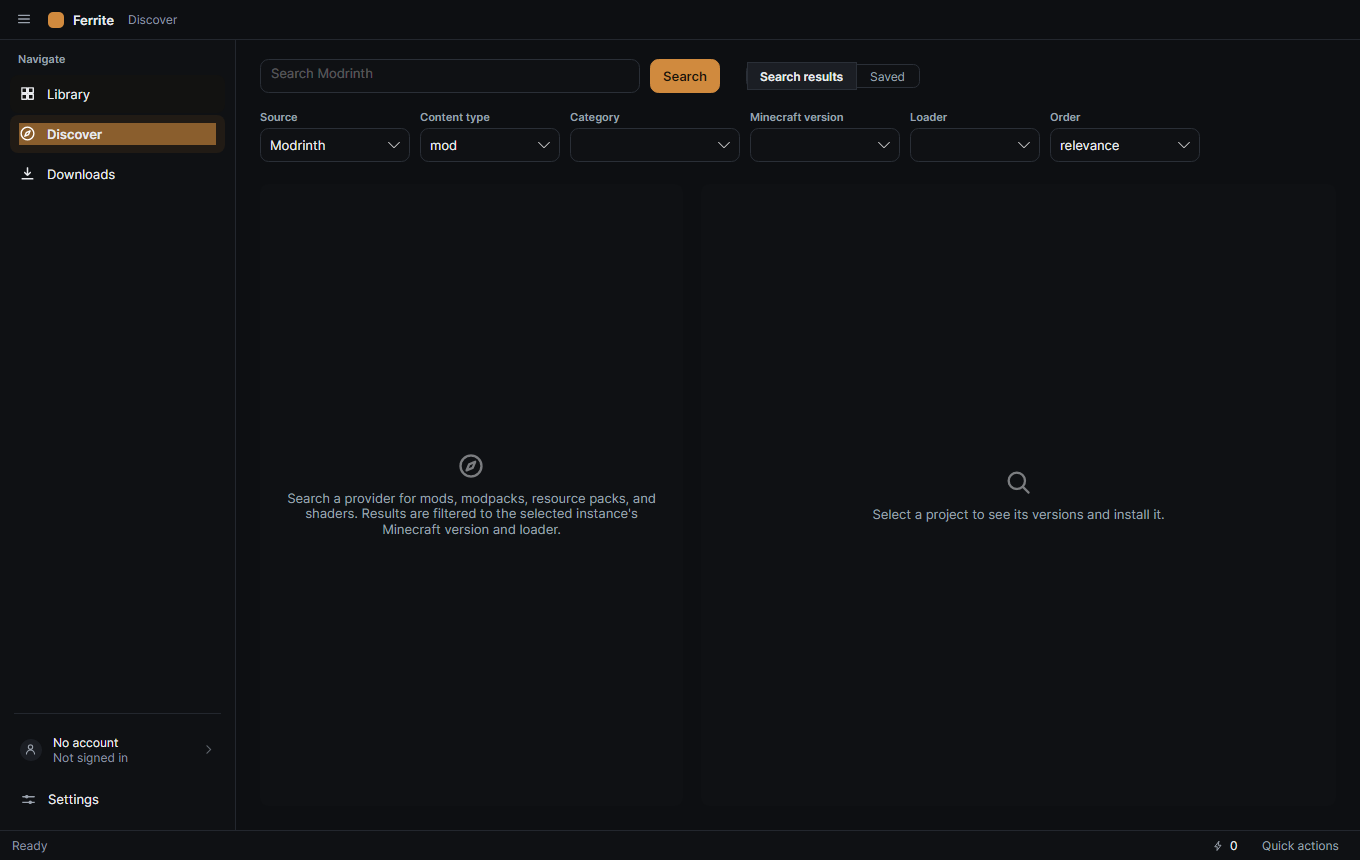
Search, inspect, install. With the version context intact.
Browse Modrinth and CurseForge from one content view. Filter by game version, loader and category, inspect a project, then install a compatible file or modpack into its destination.
Explore content workflowsWhen “it doesn’t launch” needs an answer.
Ferrite verifies managed files, repairs damaged artifacts, parses crash reports, keeps operation history and can export a support bundle with sensitive values redacted.
- Java discovery and compatible runtime provisioning.
- Verification, repair, operation history, crash analysis and redacted support bundles.
- World backups, instance export/import, resource packs, shaders and datapacks.
Desktop software for people who have already learned what a mod loader is.
C# · .NET 10 · Avalonia · Windows-firstNative where it matters.
Ferrite is built for filesystem, process and runtime work that belongs close to the desktop—not behind a browser wrapper. The result is a focused home for the parts of Minecraft that are otherwise scattered across launchers, folders and installers.
Ferrite is being built in the open.
The launcher is exercised against real Minecraft workflows, but public builds are not available yet.